Edgebanders for Sale Australia-Wide
⚠️ Unitronic Errors on NikMann Edgebanders
PLC Fault Codes & Troubleshooting
Request a Quote Call 1300 4 FORZAUnitronic errors on NikMann edgebanders indicate that the machine’s PLC (Programmable Logic Controller) has detected a fault within the system. These errors are part of the built-in safety and diagnostic system designed to stop the machine when abnormal conditions occur.
At Forza Machinery, we provide technical support, repairs, and diagnostics for all NikMann edgebanders across Melbourne and Australia. Understanding these errors helps reduce downtime and prevents unnecessary machine damage.
What Are Unitronic Errors?
Unitronic errors are PLC-generated fault messages that appear on the HMI screen of NikMann edgebanders. These alarms are triggered when the controller detects an issue in one or more machine systems.
The PLC continuously monitors:
- Safety circuits and emergency stop systems
- Sensors and positioning feedback
- Pneumatic air pressure systems
- Motor load and drive systems
- Internal PLC communication modules
When any signal is missing or incorrect, the machine will stop and display a Unitronic error.
Most Common Unitronic Error Causes
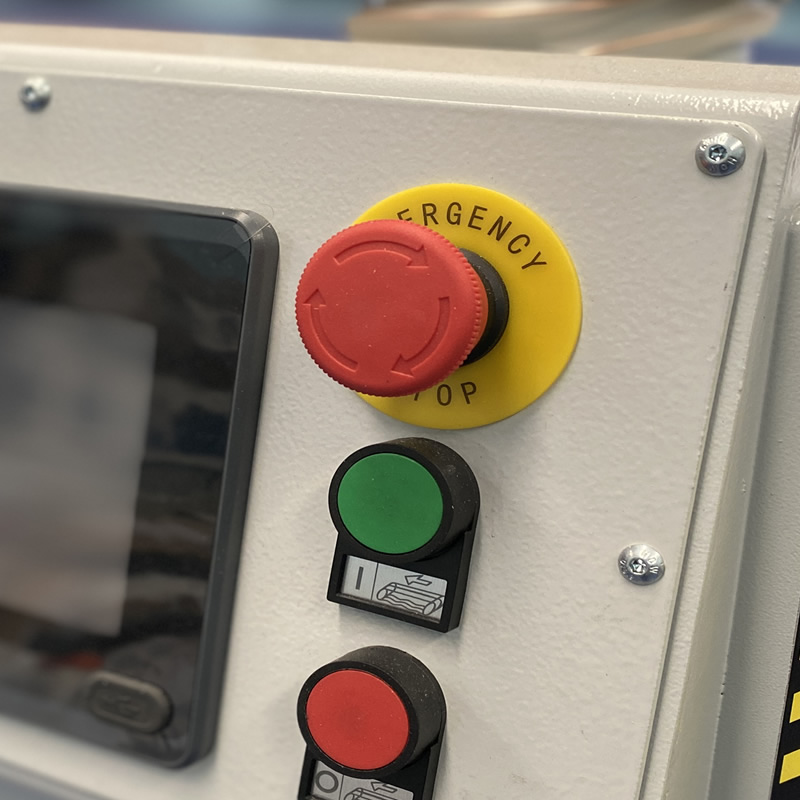
- Emergency stop circuit activated or faulty
- Safety guard or interlock switch open
- Low compressed air pressure
- Dirty or misaligned sensors
- Loose or damaged electrical wiring
- PLC communication failure between modules
- Encoder signal loss or instability
- Motor overload or mechanical blockage
- Power supply fluctuations
Typical Symptoms of Unitronic Faults
- Machine will not start
- Feed system stops unexpectedly
- Edge banding units not activating
- Glue system not heating or feeding
- Trimming or scraping units disabled
- Emergency stop message on HMI screen
- Intermittent machine shutdowns
Step-by-Step Unitronic Error Troubleshooting
1. Record the Error Code
Always note the exact error message displayed on the screen before resetting.
2. Check Emergency Stop System
Ensure all emergency stop buttons are fully released and reset correctly.
3. Inspect Safety Circuits
Check all safety guards, access doors, and interlock switches.
4. Check Air Pressure
Low or unstable air pressure can trigger PLC alarms.
5. Inspect Sensors
Clean photoelectric and proximity sensors. Remove dust and glue buildup.
6. Inspect Electrical System
Check wiring, terminals, plugs, and cabinet connections.
7. Restart the Machine
After fixing the issue, perform a full restart to reset the PLC.
Types of Unitronic Errors
Safety Circuit Errors
Triggered when emergency stops or safety interlocks are not correctly closed.
Sensor Fault Errors
Caused by blocked or failed sensors affecting machine sequencing.
Communication Errors
Occurs when PLC loses communication with I/O modules or control systems.
Motor & Drive Errors
Overloaded motors or mechanical jams causing protective shutdowns.
Encoder Errors
Missing or incorrect feed system feedback signals.
Related Technical Support Articles
Many Unitronic PLC faults are related to machine safety systems, sensors, and communication circuits. You may also find these troubleshooting guides helpful:
- Alarm 12 Error on NikMann Edgebanders – Causes and Solutions
- Professional Edgebander Repairs and Technical Support
- Woodworking Machinery Spare Parts
If your machine displays multiple alarms or recurring PLC faults, contact Forza Machinery for professional diagnostics and technical assistance.
How to Prevent Unitronic Errors
- Clean sensors daily
- Maintain stable air pressure
- Inspect cables regularly
- Keep electrical cabinet clean
- Perform preventative maintenance
- Check emergency stop system weekly
- Replace worn parts early
When to Contact Forza Machinery
Contact our technical team if:
- The error keeps returning after reset
- The machine will not start
- Multiple alarms appear
- PLC or electrical fault is suspected
- The issue cannot be identified onsite
NikMann Edgebander Technical Support Australia
Forza Machinery has over 25 years of experience supplying and servicing woodworking machinery across Australia.
We specialise in NikMann edgebander repairs, PLC diagnostics, electrical fault finding, and preventative maintenance.
- PLC fault diagnosis (Unitronics systems)
- Electrical troubleshooting
- Sensor and encoder replacement
- Pneumatic system repairs
- Emergency breakdown support
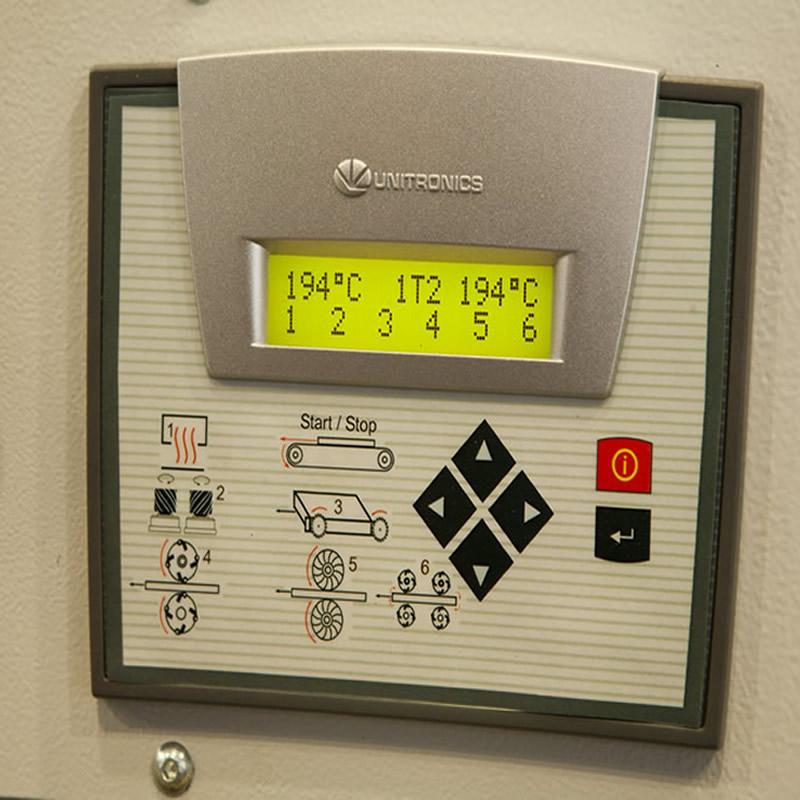
Unitronics Errors
Neglected glue pots are one of the most common causes of poor edge quality and machine faults. Regular servicing helps to:
Allarm - 00 - Emergency stop - ON;
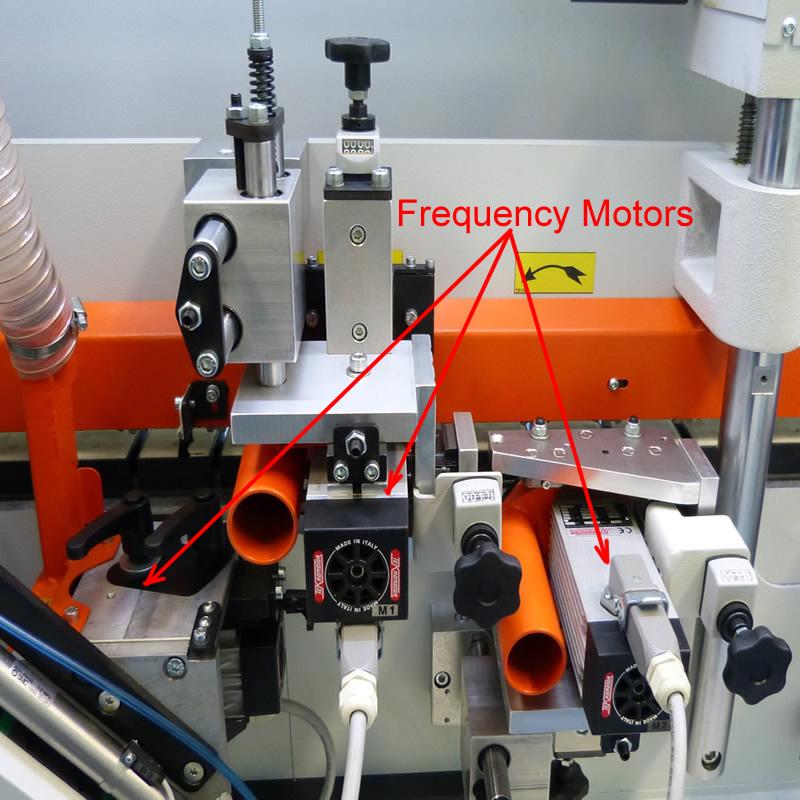
Allarm - 01 - Overloading frequency inverter;
Allarm - 02 - Induction motors is overheated;
Allarm - 03 - Safety door is open;
Allarm - 04 - Lower air presure system;
Allarm - 05 - Too many pieces inside;
Allarm - 06 - Check Corner rounder;
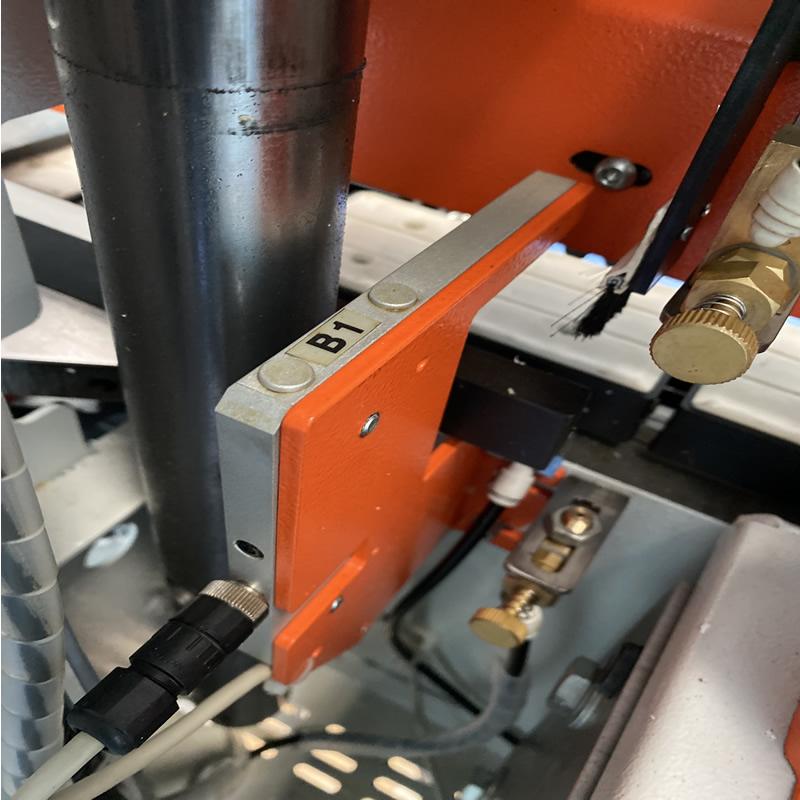
Allarm - 07 - Check sensors;
Phase Allarm - Power Issues.
📞 Call Forza Machinery today to book your technician for service in Melbourne
📍 Servicing Melbourne, Victoria & Australia-wide support
🔧 Preventative maintenance & emergency repairs available
Why Choose Forza Machinery?
We provide high-quality European woodworking machinery, professional technical support and reliable after-sales service.
25+ Years Experience
Trusted woodworking machinery supplier servicing workshops across Victoria.
European Machinery
Premium machinery engineered for production efficiency, precision and durability.
Technical Support
Professional installation, servicing, spare parts and technical support Australia wide.
Australia Wide
Fast delivery and workshop setup solutions throughout Victoria, Australia.
👉 We don’t just sell machines — we help keep your business running.
Call 1300 4 FORZA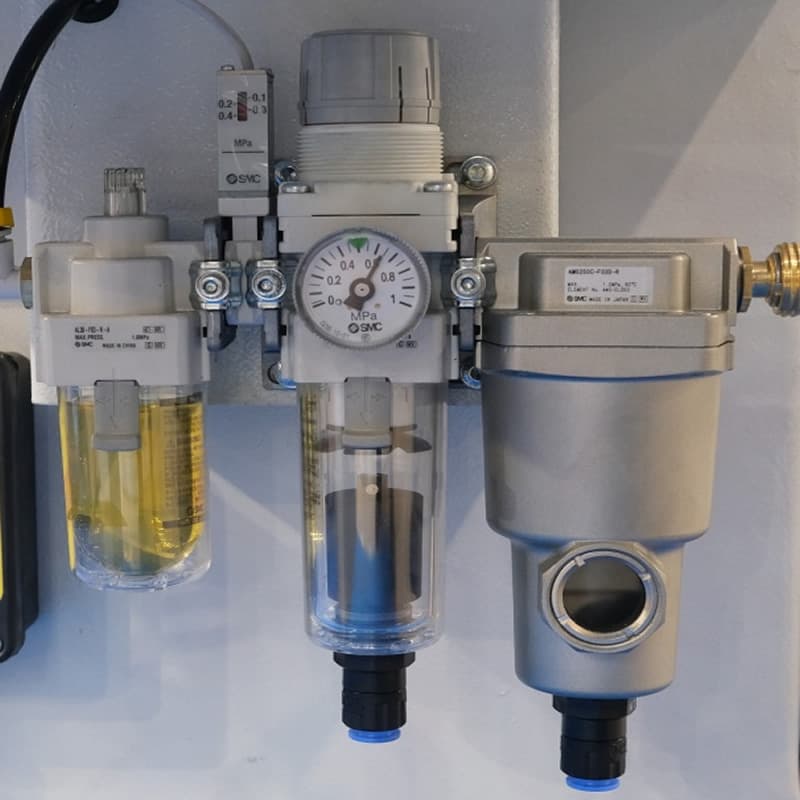
RELATED TECHNICAL SUPPORT ISSUES:
⚠️ Unitronic Errors on NikMann Edgebanders
⚠️ Alarm-01 | Motor PTC overheat protection
⚠️ Alarm-02 on NikMann edgebanders
⚠️ Alarm-04 | Air pressure too low
⚠️ Alarm-08 | Rotary Photo Encoder D5 Fault
⚠️ Alarm-09 on NikMann edgebanders
⚠️ Alarm-12 on NikMann edgebanders
⚠️ Corner Rounder issues on Nikmann-RTF edgebander
⚠️ Edgebander removing melamine around hinge holes
⚠️ Edgebander chipping side of the panel
⚠️ Glue Pot Repair & Rebuild Services
⚠️ How to change the temperature on edgebanders glue pot
⚠️ Digital counter for panel thickness different from analog one.
⚠️ Why Edge Banders are important?
⚠️ Edgebander Glue Pot Service Melbourne
⚠️ Extra tape on back of the panel
⚠️ Teflon glue tank with electronic regulation
⚠️ How to adjust the Glue Scrapers on NikMann edgebanders
⚠️ No errors on a screen | Edgebander not working
⚠️ Adjustment on Digital readout on panel saw