Edgebanders for Sale Australia-Wide
⚠️ ALARM-02 on NikMann edgebanders
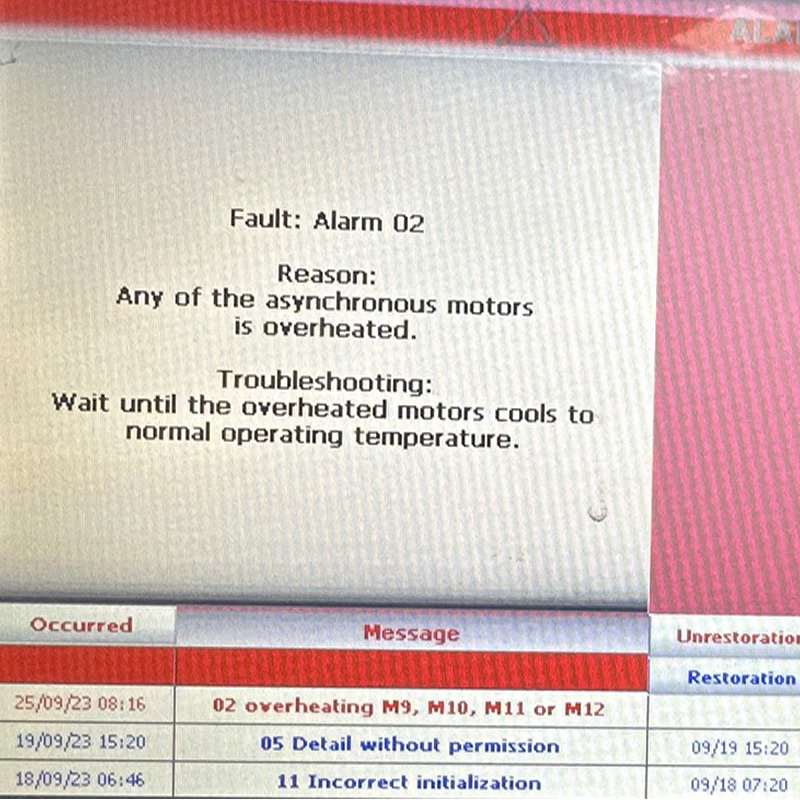
One of the asynchronous HF motors is overheated! Wait until the overheated motor cools down to normal working temperature.
Request a Quote Call 1300 4 FORZAAny of the asynchronous motors is overheated!
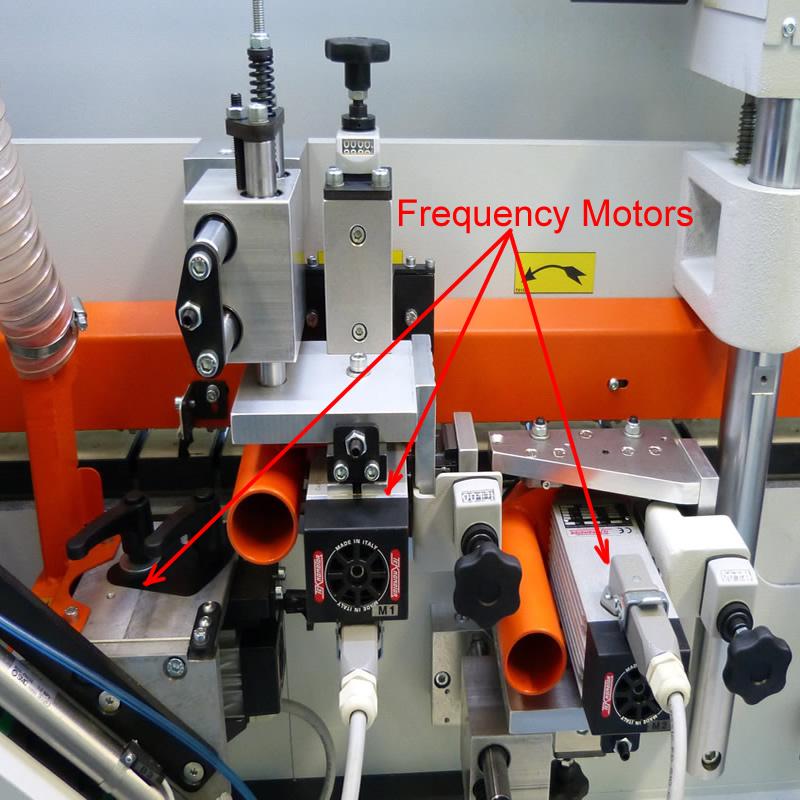
When ALARM-02 is triggered on NikMann edgebanders, it means that a motor used in one of the processing units—such as the pre-milling, glue spreading, end trimming, corner rounding, or buffing units has reached a temperature above the safe operating threshold. This is usually caused by overload, insufficient cooling, poor ventilation, or mechanical resistance within the motor.
Asynchronous motors are widely used in NikMann machines due to their reliability and efficiency. However, if these motors operate under stress or for prolonged periods without rest, they can overheat. To prevent permanent damage, the system uses thermal sensors (often PTC thermistors) to monitor motor temperature in real time.
🔍 What Does ALARM-02 Mean?
Common reasons for asynchronous motor overheating include:
Blocked or dirty cooling fans
Excessive load or mechanical resistance;
Extended continuous operation without rest;
Dust or glue buildup causing friction;
Electrical issues or poor ventilation inside the control cabinet.
📞 Call Forza Machinery today to book your edgebander for service
📍 Servicing Melbourne, Victoria & Australia-wide support
🔧 Preventative maintenance & emergency repairs available
✅ Troubleshooting ALARM-02
-
Shut Down the Machine Safely
Turn off the main power and wait for all moving parts to stop.
-
Let the Motor Cool
Wait 15–30 minutes to allow the affected motor to cool naturally.
Inspect Cooling Fans and Vents
Ensure air inlets and cooling fans are clean and functioning properly.
Check for Mechanical Resistance
Inspect moving components of the motor (e.g., belts, pulleys, cutter heads) for binding or debris.
-
Restart the Machine
Once everything is clean and the motor is cool, power on the machine.
-
Reset the Alarm
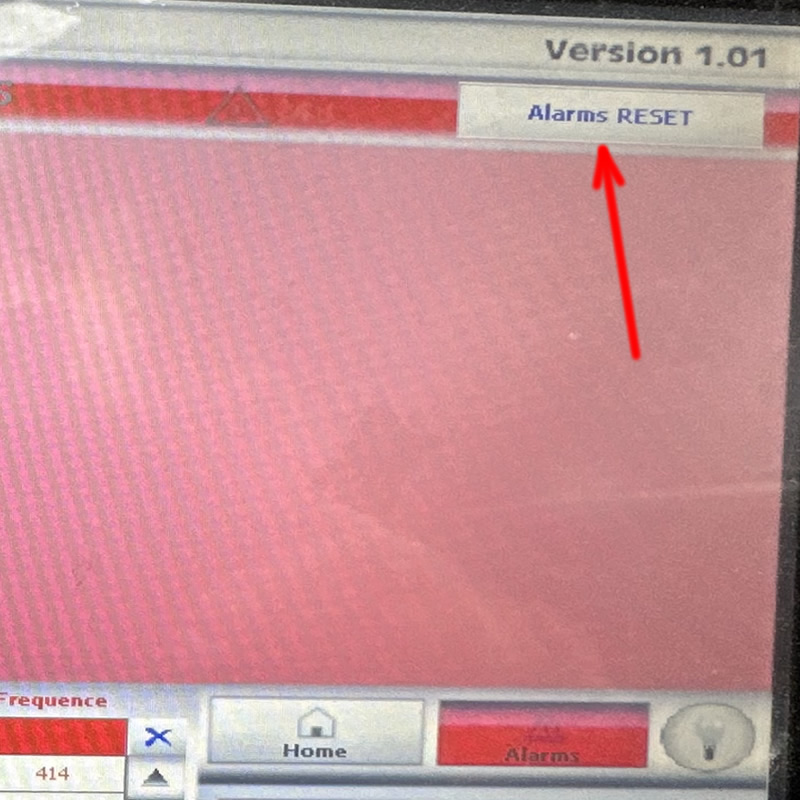
Go to the ALARMS screen and follow the instructions to reset ALARM-02.
RELATED TECHNICAL SUPPORT ISSUES:
⚠️ Unitronic Errors on NikMann Edgebanders
⚠️ Alarm-01 | Motor PTC overheat protection
⚠️ Alarm-02 on NikMann edgebanders
⚠️ Alarm-04 | Air pressure too low
⚠️ Alarm-08 | Rotary Photo Encoder D5 Fault
⚠️ Alarm-09 on NikMann edgebanders
⚠️ Alarm-12 on NikMann edgebanders
⚠️ Corner Rounder issues on Nikmann-RTF edgebander
⚠️ Edgebander removing melamine around hinge holes
⚠️ Edgebander chipping side of the panel
⚠️ Glue Pot Repair & Rebuild Services
⚠️ How to change the temperature on edgebanders glue pot
⚠️ Digital counter for panel thickness different from analog one.
⚠️ Why Edge Banders are important?
⚠️ Edgebander Glue Pot Service Melbourne
⚠️ Extra tape on back of the panel
⚠️ Teflon glue tank with electronic regulation
⚠️ How to adjust the Glue Scrapers on NikMann edgebanders
⚠️ No errors on a screen | Edgebander not working
⚠️ Adjustment on Digital readout on panel saw