Unitronics PLC Errors on NikMann Edgebanders
Troubleshooting guide for Unitronics PLC and Unitronic error messages, alarms, safety faults, sensor problems, air pressure issues, motor faults and electrical problems on NikMann edgebanding machines.
What Is a Unitronics PLC Error?
A PLC alarm is the machine controller telling you that a monitored condition is outside the expected operating state.
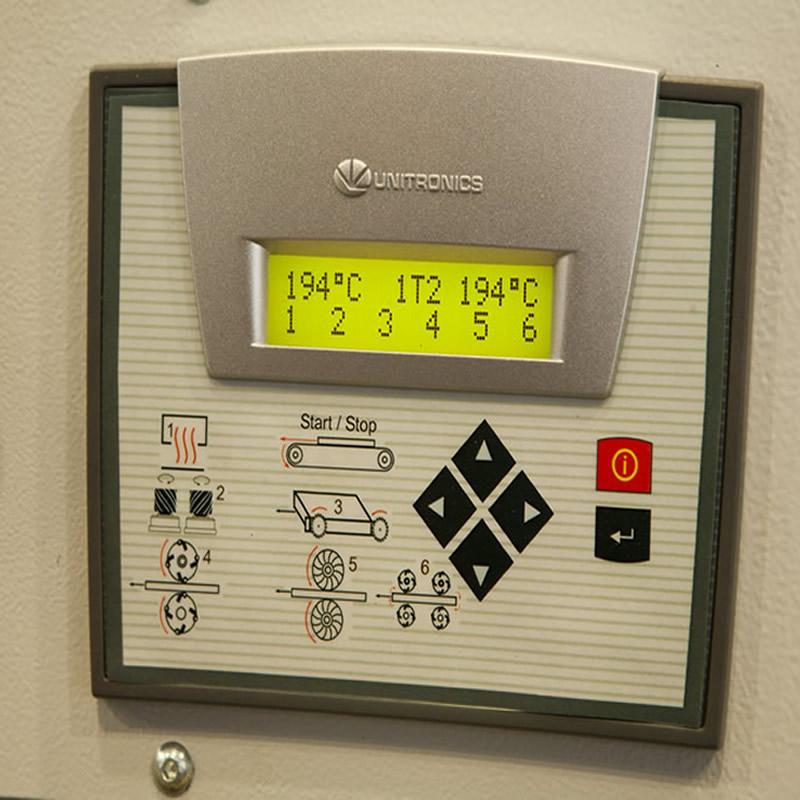
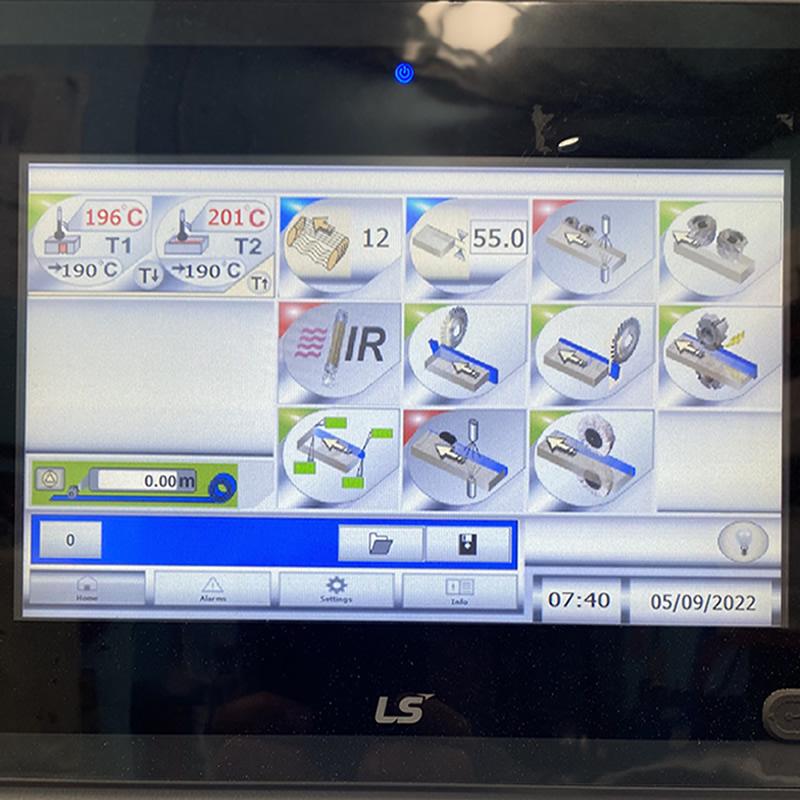
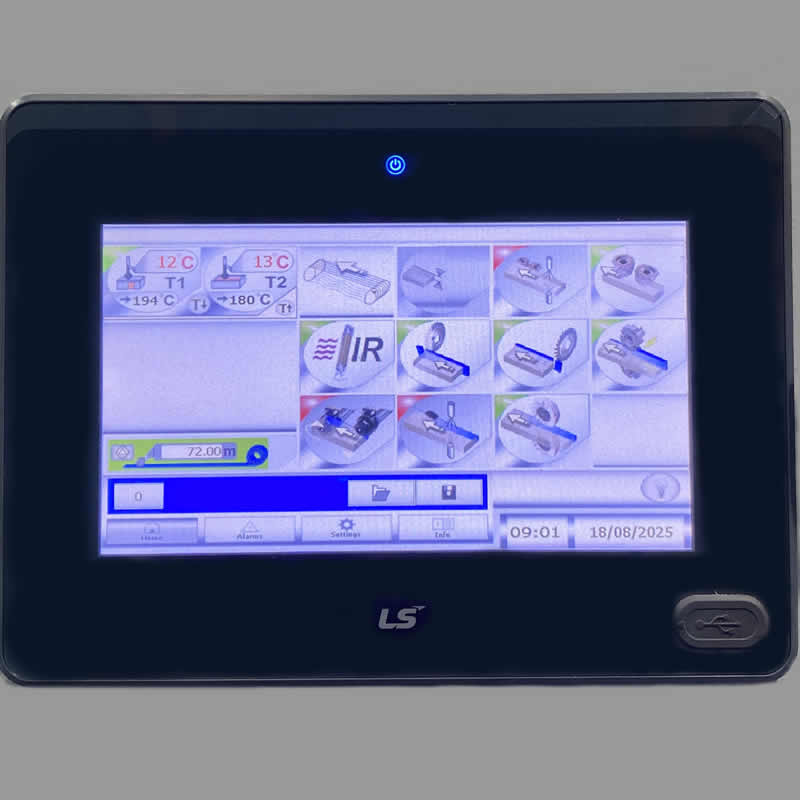
NikMann edgebanders use a PLC and HMI control system to monitor important machine functions. Depending on the machine configuration, monitored systems can include safety circuits, sensors, pneumatic pressure, motors, drives, encoders and other control signals.
When the controller detects a missing, incorrect or unsafe signal, the machine may stop and display an alarm on the HMI screen.
The exact cause should be identified before repeatedly resetting the machine. Recording the alarm code and the conditions under which it occurred can make diagnosis considerably easier.
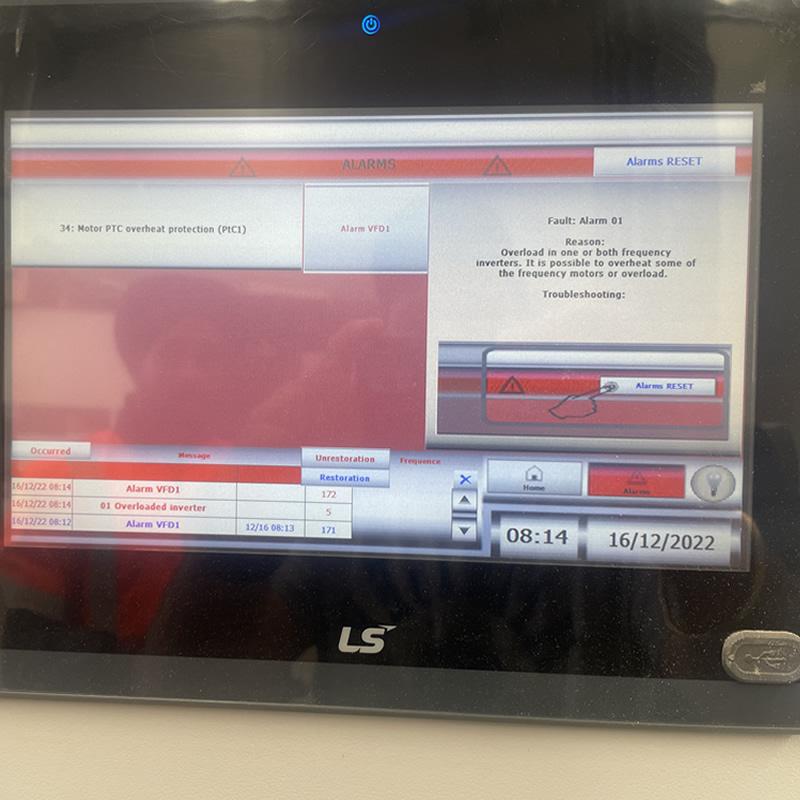
An alarm code identifies a monitored fault condition. It does not necessarily identify the failed component.
For example, a sensor alarm may be caused by contamination, misalignment, damaged wiring, a failed sensor or another machine condition preventing the expected signal.
Common Causes of Unitronics Errors
Before replacing components, check the basic operating conditions associated with the displayed alarm.
Safety Circuit
Emergency-stop buttons, guards and safety interlocks can prevent the machine from operating when the safety circuit is open.
Sensors
Dust, glue residue, incorrect alignment, damaged wiring or a failed sensor can prevent the PLC from receiving the expected signal.
Air Pressure
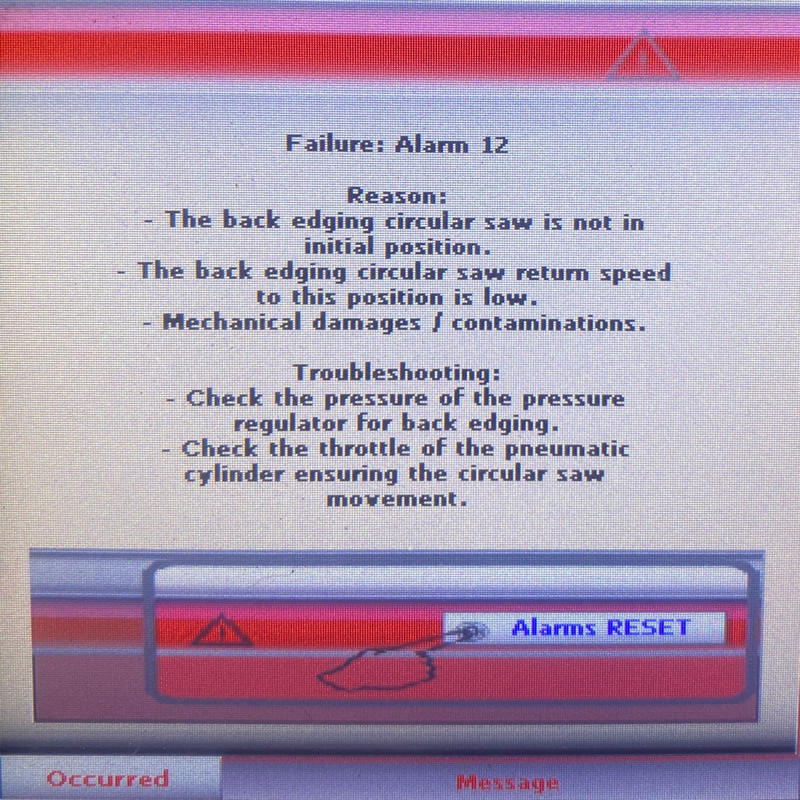
Low or unstable compressed-air pressure can prevent pneumatic cylinders and machine functions from operating correctly.
Motors & Drives
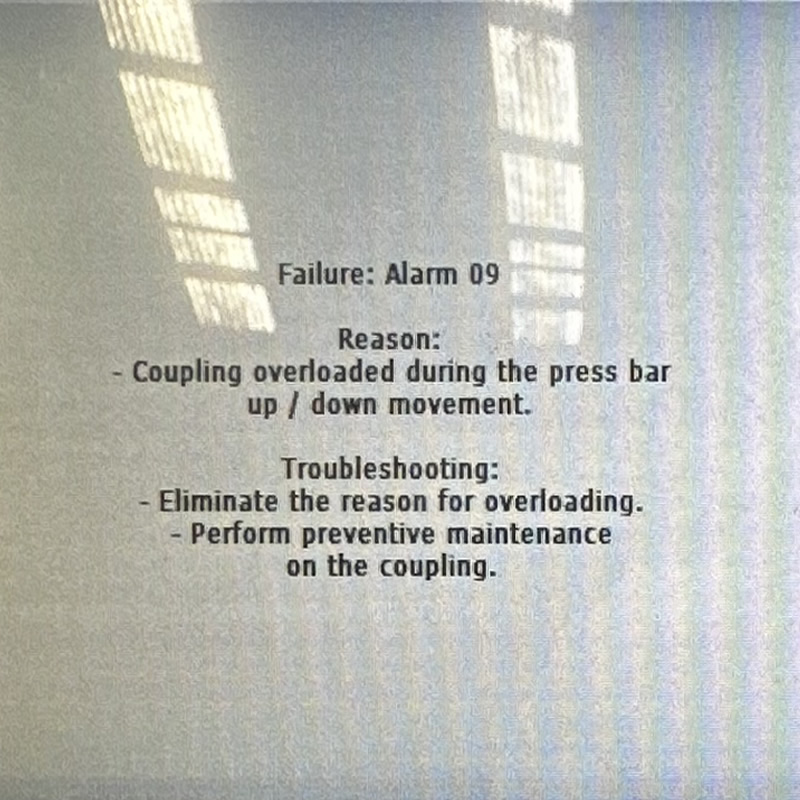
Motor overloads, excessive load, mechanical obstruction or drive faults can result in protective shutdowns.
Encoders
Missing, unstable or incorrect feedback from an encoder can affect feed movement and machine sequencing.
Electrical Supply
Loose connections, damaged cables, power problems or electrical faults can cause intermittent or persistent PLC alarms.
NikMann Edgebander Unitronics Alarm Codes
The following alarm descriptions are based on the technical information published on the existing Forza Machinery troubleshooting page. Always confirm the exact alarm against the machine documentation for your specific NikMann model.
| Alarm | Description | Initial Checks |
|---|---|---|
| Alarm 00 | Emergency Stop ON |
|
| Alarm 01 | Frequency Inverter Overload |
|
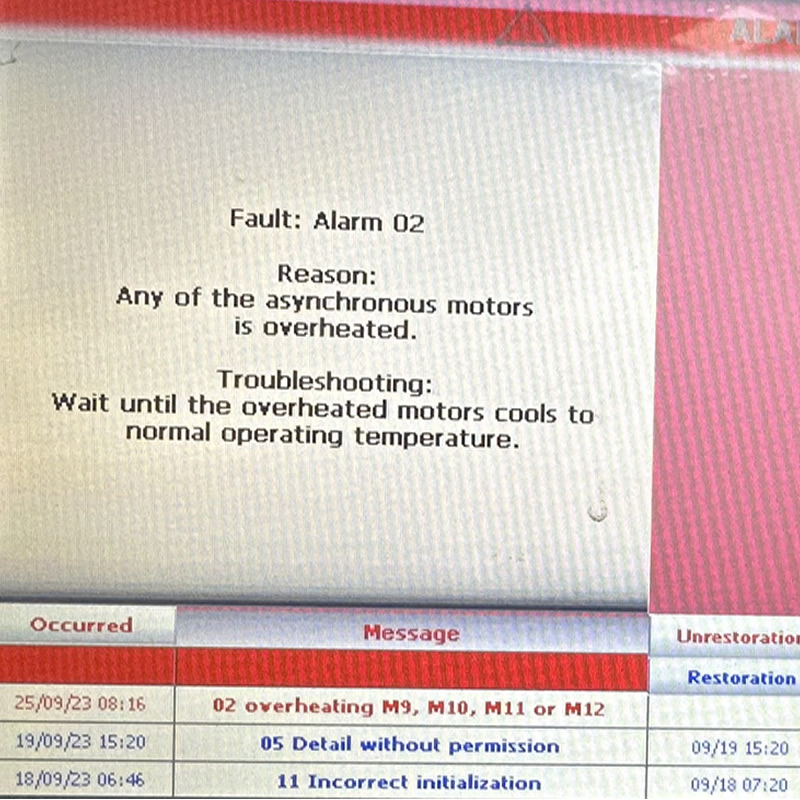
| Alarm 02 | Induction Motor Overheated |
|
| Alarm 03 | Safety Door Open |
|
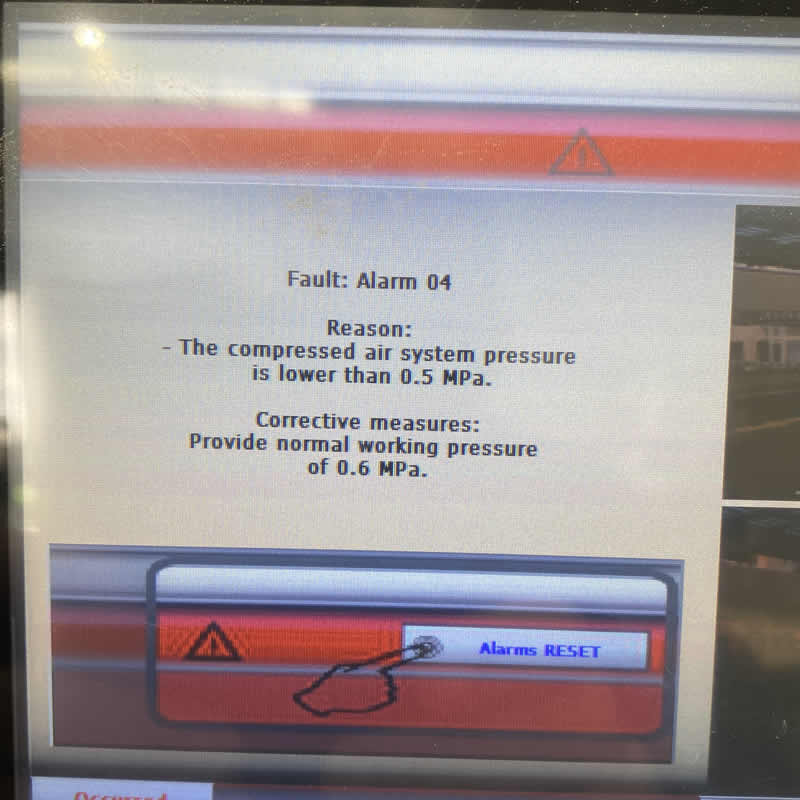
| Alarm 04 | Low Air Pressure |
|
| Alarm 05 | Too Many Pieces Inside |
|
| Alarm 06 | Check Corner Rounder |
|
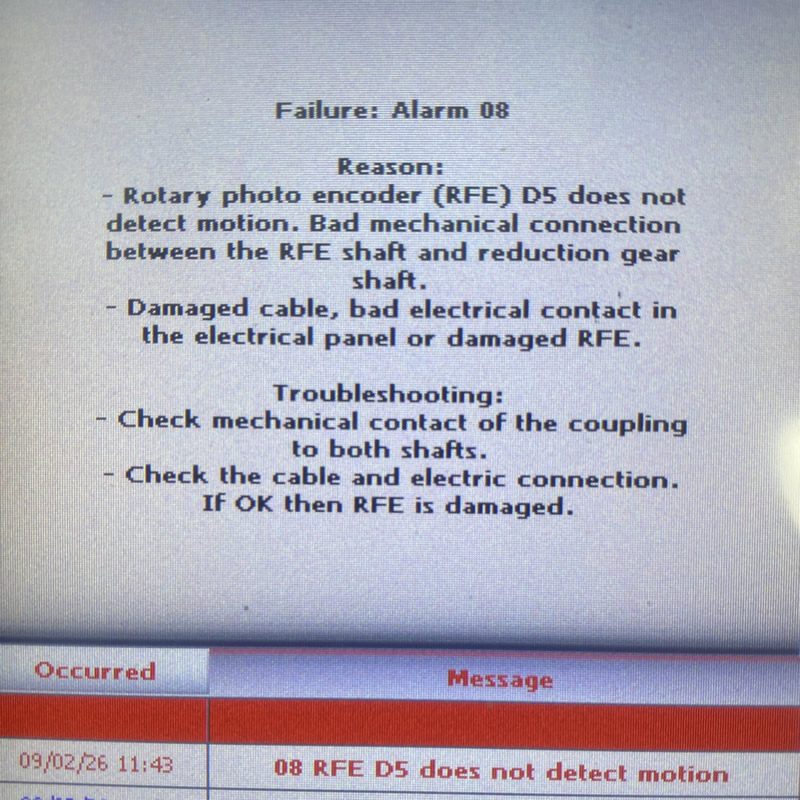
| Alarm 07 | Check Sensors |
|
| Phase Alarm | Power / Phase Problem |
|
If an alarm returns immediately or repeatedly, the underlying cause should be investigated. Repeatedly resetting a protective fault without identifying the cause may allow an underlying mechanical, electrical or safety problem to remain unresolved.
How to Troubleshoot a NikMann PLC Alarm
Start with the alarm information shown on the HMI and work through the relevant machine system methodically.
Take note of the exact code and message before resetting.
Follow the machine safety procedure before inspection.
Check emergency stops, guards, air pressure and obvious obstructions.
Check sensors, wiring, connectors, motors and relevant machine components.
If the alarm remains, arrange professional diagnosis.
Common Symptoms of PLC Faults
A Unitronics or Unitronic alarm can appear together with a number of machine operating symptoms.
How to Reduce NikMann Edgebander PLC Faults
Preventive maintenance and routine inspection can help identify developing problems before they result in production downtime.
Clean Sensors
Keep photoelectric and proximity sensors clean and free from dust, adhesive and production debris.
Maintain Air Pressure
Check the compressed-air supply and investigate leaks or pressure fluctuations.
Inspect Cables
Check accessible wiring, plugs, connectors and electrical connections for signs of damage or looseness.
Maintain the Glue System
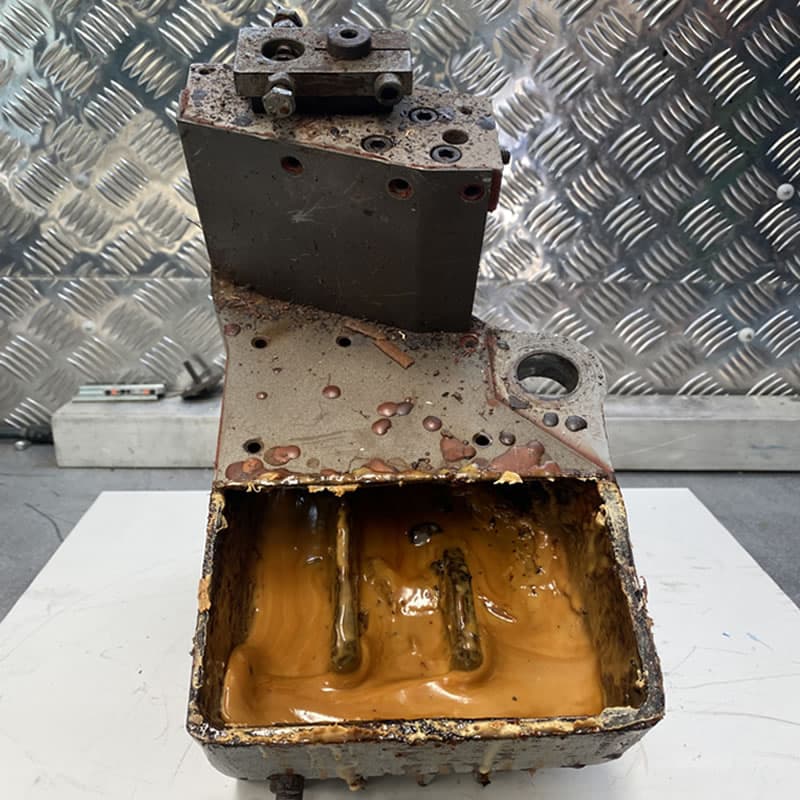
Keep glue pots and associated components correctly maintained to help prevent machine and edge-quality problems.
Check Safety Systems
Ensure emergency stops, guards and safety interlocks operate correctly.
Schedule Maintenance
Regular professional servicing can identify worn components and developing electrical, pneumatic or mechanical problems.
Technical Support for a Range of Woodworking Machinery
Forza Machinery supports professional woodworking equipment used by cabinet makers, joinery workshops, furniture manufacturers and production businesses.


Unitronics Edgebander Error FAQs
What are Unitronics errors on a NikMann edgebander?
They are PLC/HMI fault messages associated with monitored machine conditions. Depending on the machine configuration, these can involve safety circuits, sensors, pneumatic pressure, motors, encoders, drives or electrical systems.
What should I do when a Unitronic error appears?
Record the exact alarm shown on the HMI before resetting the machine. Follow the machine's safety and troubleshooting procedures and check the relevant operating condition. If the alarm remains or repeatedly returns, arrange professional technical diagnosis.
What causes Alarm 04 on a NikMann edgebander?
The Forza troubleshooting information associates Alarm 04 with low air pressure. Check the compressed-air supply, machine pressure and pneumatic system before returning the machine to production.
Why does my NikMann edgebander show a sensor alarm?
Check for dust, glue residue, incorrect sensor alignment, damaged cables or a failed sensor. The correct diagnosis depends on which sensor and machine function are involved.
When should I contact Forza Machinery?
Contact Forza when an alarm repeatedly returns, multiple alarms appear, the machine will not start, an electrical or PLC fault is suspected, or the cause cannot be safely identified.
NikMann Edgebander Showing an Error?
Forza Machinery provides edgebander diagnostics, repairs, maintenance, PLC fault finding, electrical troubleshooting, spare parts and technical support across Melbourne, Victoria and Australia.