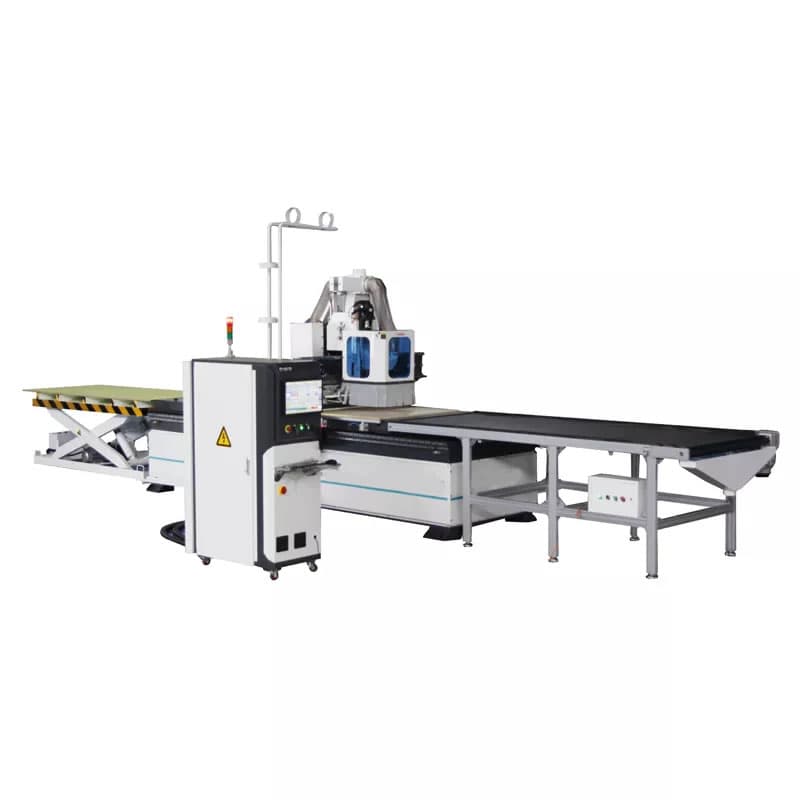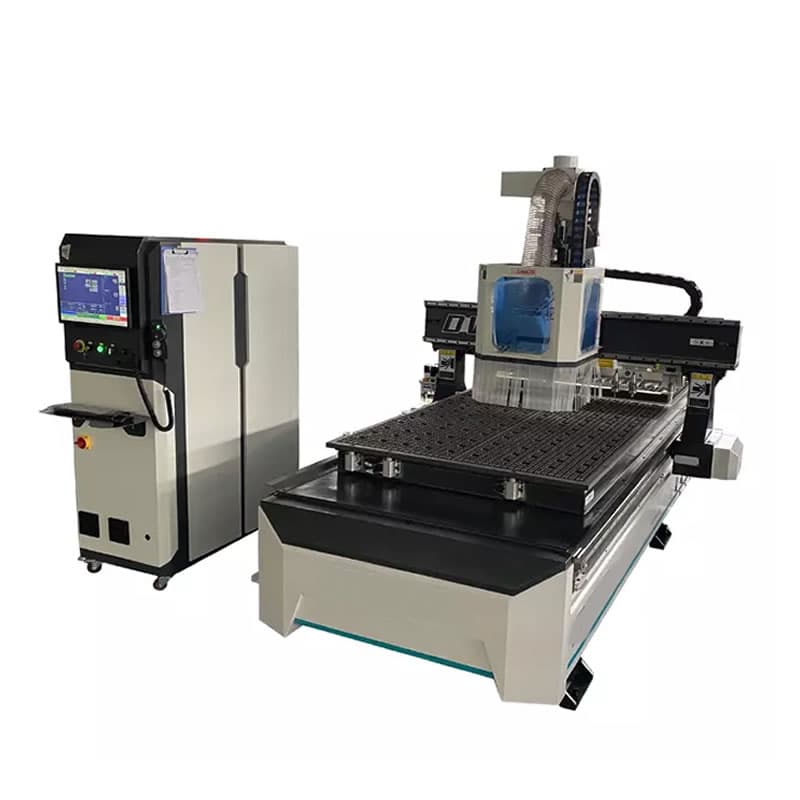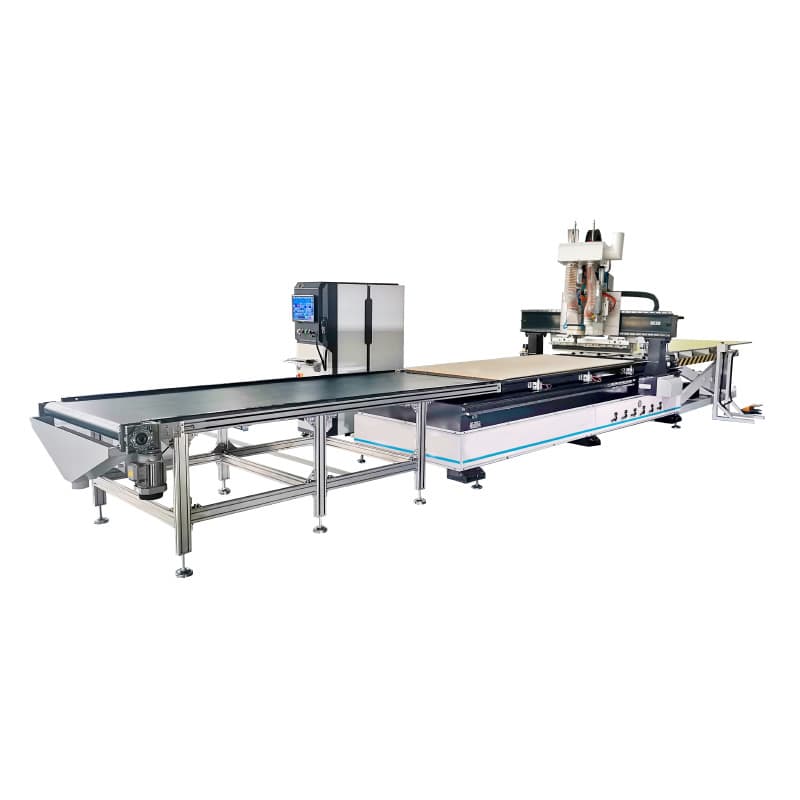
Regular CNC router maintenance is essential for maintaining accuracy, reliability, and productivity. Whether you operate a nesting CNC router for cabinet production or a CNC machine for custom woodworking projects, preventative maintenance helps minimise costly breakdowns and extends machine life.
This guide outlines the daily, weekly, and monthly maintenance tasks that every CNC router owner should perform.
Why CNC Router Maintenance Is Important
A CNC router contains precision mechanical, electrical, and pneumatic components that work together to produce accurate results. Dust accumulation, vibration, and normal wear can affect performance if maintenance is neglected.
- Improve cutting accuracy
- Reduce machine downtime
- Extend component lifespan
- Prevent expensive repairs
- Maintain production efficiency
- Improve workshop safety
Daily CNC Router Maintenance
Clean the Machine
Wood dust and debris can build up quickly during machining operations. At the end of each shift:
- Clean the machine table
- Remove dust from guide rails
- Check bearings and moving components
- Inspect dust extraction systems
- Clean vacuum table surfaces
Inspect the Spindle
The spindle is one of the most critical parts of a CNC router.
- Listen for unusual noises
- Monitor operating temperatures
- Check tool holders
- Inspect for excessive vibration
Check Air Pressure
Many CNC routers rely on compressed air systems for automatic tool changers and machine functions.
- Verify air pressure levels
- Check air hoses for leaks
- Inspect filters and regulators
RELATED MACHINERY SERVICES
Weekly CNC Router Maintenance
Lubricate Moving Parts
Proper lubrication reduces friction and wear on critical machine components.
- Linear guide rails
- Ball screws
- Bearings
- Rack and pinion drives
Inspect Tool Holders and Collets
Worn or damaged tool holders can reduce machining accuracy and increase spindle wear.
- Remove dust and debris
- Check for cracks
- Inspect clamping surfaces
- Replace worn components
Check the Vacuum System
A reliable vacuum hold-down system is essential for accurate sheet processing.
- Inspect vacuum pumps
- Check hoses and fittings
- Inspect seals and gaskets
- Monitor vacuum pressure
Monthly CNC Router Maintenance
Inspect Drive Systems
- Belts
- Couplings
- Gearboxes
- Rack and pinion mechanisms
Replace worn components before they affect machine accuracy and reliability.
Verify Machine Calibration
Regular calibration ensures the machine continues to produce accurate parts.
- X-axis alignment
- Y-axis alignment
- Z-axis positioning
- Tool length offsets
Inspect Electrical Components
Electrical problems are a common cause of machine downtime.
- Clean electrical cabinets
- Inspect cooling fans
- Check wiring connections
- Inspect cable condition
Spindle Maintenance Tips
- Use quality cutting tools
- Keep tool holders clean
- Monitor spindle temperatures
- Avoid excessive cutting loads
- Inspect bearings regularly
Routine spindle inspections can help prevent expensive repairs and maximise machine performance.
Tooling Maintenance Best Practices
Sharp tooling improves cutting quality while reducing stress on the spindle and machine components.
- Inspect tools regularly
- Replace dull cutters promptly
- Store tooling correctly
- Use recommended feeds and speeds
- Clean tool holders before installation
Software and Control System Maintenance
Maintenance should also include software and control systems.
- Back up machine settings
- Store CNC programs securely
- Update software when required
- Verify post-processor settings
Common Warning Signs of CNC Router Problems
- Unusual spindle noises
- Excessive vibration
- Poor cut quality
- Positioning errors
- Tool changer faults
- Vacuum pressure loss
- Electrical alarms
Addressing issues early can prevent significant downtime and expensive repairs.
Preventative Maintenance Checklist
Daily Tasks
- Clean machine surfaces
- Inspect spindle condition
- Check air pressure
- Remove dust and debris
Weekly Tasks
- Lubricate moving parts
- Inspect tooling
- Check vacuum system
- Inspect guide rails
Monthly Tasks
- Verify machine calibration
- Inspect electrical systems
- Check drive components
- Review machine performance
Professional CNC Router Support
Even with regular maintenance, periodic professional servicing is recommended. Experienced technicians can identify developing issues before they become major repairs.
Forza Machinery provides technical support, spare parts, and assistance for CNC routers and woodworking machinery across Australia.